



Yes. Emulators are great for speed and coverage early on, but real devices are where you catch the issues that impact trust: responsiveness, performance, hardware quirks, and how the experience actually feels in a user’s hand.
Do you still need to test on real devices if you use emulators?
As Program Director, a big part of my focus is expanding our work in Environmental, Energy, and Healthcare and Medical Technology. In these industries, “close enough” software is not good enough. People rely on these systems. Users need stability. Stakeholders need predictable outcomes and security, even while modernizing.
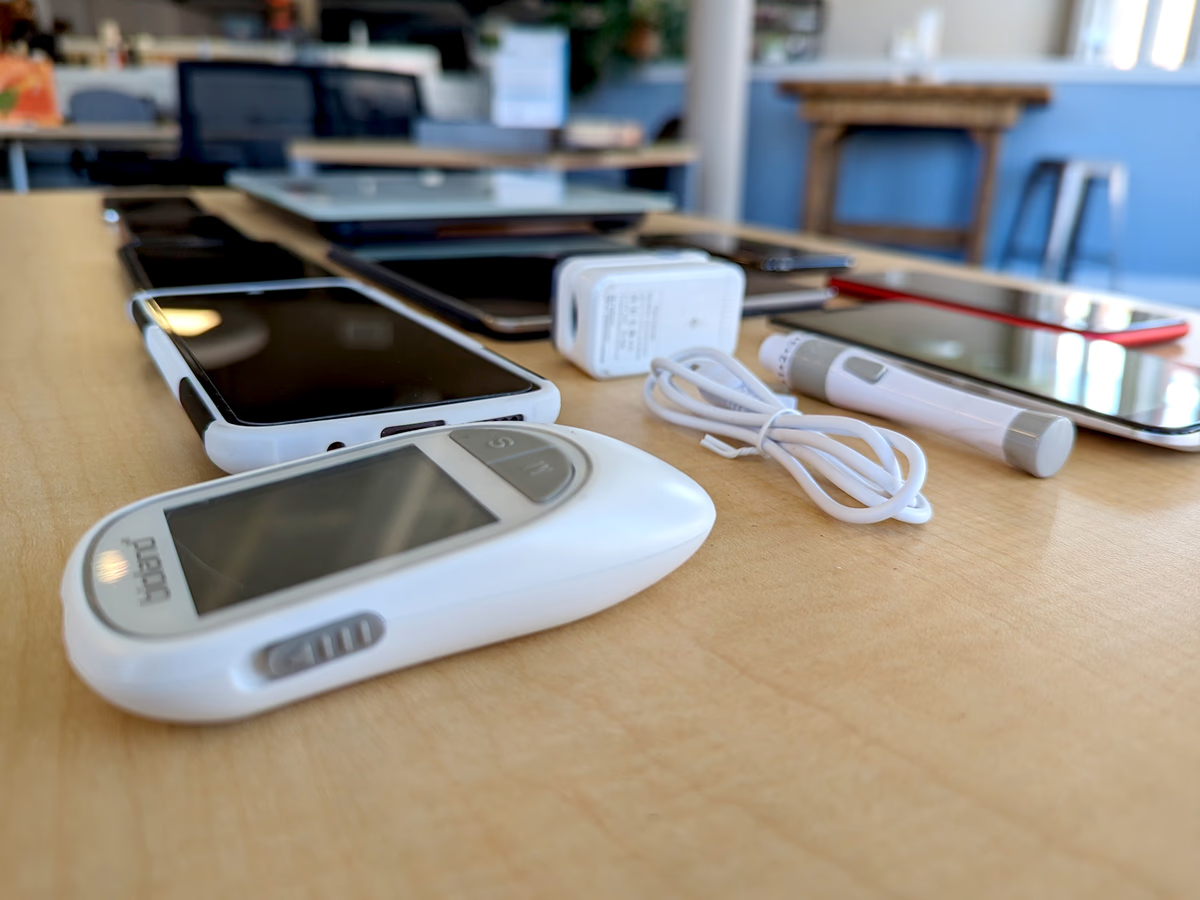
Emulators help you build faster. Physical devices help you build right.
Emulators are fantastic for early development and quick iterations. They let teams move quickly without maintaining a lab of hardware. But the physical device tells the truth about the user experience. It’s where you discover the stuff that never shows up in a simulated environment, like:
- How the app feels under real touch input Gestures, scrolling friction, tap targets, keyboard behavior. Tiny UX issues become big support tickets.
- Real-world performance Launch time, animation smoothness, memory pressure, heat, battery drain. Emulators can hide the pain your users will feel immediately.
- Testing Driving Mode We have mobile apps (like WellFinder) that need to be tested while driving around and locating wells - an important mode for first responders
- Hardware-dependent behavior Camera, GPS, Bluetooth, sensors, notifications, biometrics. If your workflow touches hardware or OS-level features, you need to validate on the actual device.
What to do next
If your team is relying heavily on emulators, you do not need to throw that away. The goal is balance: speed early, then confidence on real devices before it matters most.
- If you’re modernizing a web or mobile product where stability and security cannot slip, send me a message. I’ll share some advice to pressure-test your device testing approach based on my experience.
- Read Troy Web Consultings’ full thoughts: Real Devices vs. Emulators: The Crucial Difference for Software Quality & Brand Trust
Share this article